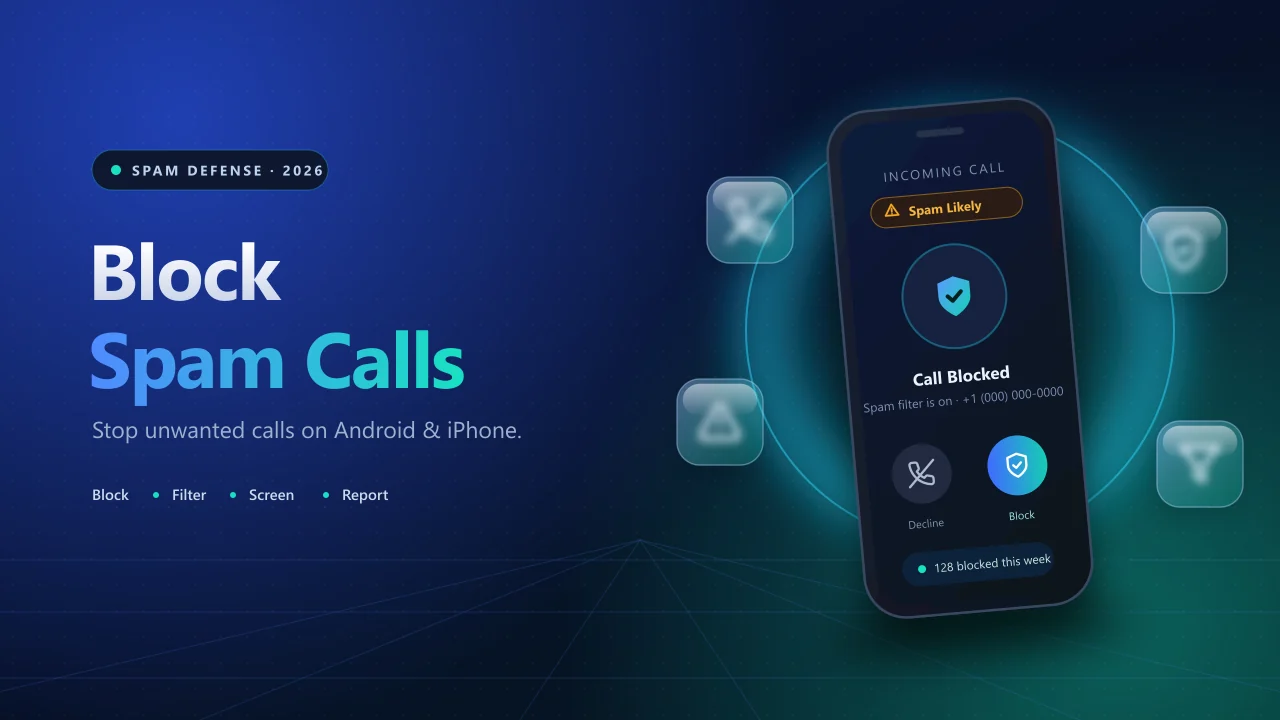
To block spam calls, add the number to your block list from the recent calls screen, then switch on your phone’s built-in spam filter: Filter spam calls in Google’s Phone app on Android, or Screen Unknown Callers under Settings > Apps > Phone on an iPhone running iOS 26. Together, these two steps stop repeat callers and catch many new ones before they ring. This guide shows how to block spam calls on Android and iPhone with the exact taps, explains when to block, silence, filter or screen, and lists where to report spam calls in Pakistan, India and the US.
Why Spam Calls Keep Coming (and Why Caller ID Can Lie)
Spam calls are unwanted calls that sell something, run a scam or try to pull out personal details such as a one-time password or bank information. Callers dial huge lists automatically, so your number can be reached even if you never shared it with them. A burst of repeated calls is sometimes called call bombing; why those tools stop working is explained in our Call Bomber deactivated guide.
Many spammers also use caller ID spoofing, which makes a call look like it comes from a trusted business, a local number or even your own number. That is why blocking a single number rarely ends the problem: the next call can arrive from a new or faked number. Lasting protection comes from layers: manual blocks, automatic filtering and careful habits.
How to Block Spam Calls on Android
Menus differ slightly between brands, but the logic is the same: block the numbers you already know, then let the phone filter the ones you do not.
Block a number in Google’s Phone app
- Open the Phone app and go to Recents.
- Long-press the number and choose Block/report spam.
- Tick or untick Report call as spam, then tap Block.
Block a number on a Samsung Galaxy
- Open Phone and go to Recents.
- Tap the number, then Details, then Block.
Turn on automatic spam filtering in Google’s Phone app
- Tap the three-dot menu, then Settings, then Caller ID & spam.
- Switch on See caller & spam ID.
- Switch on Filter spam calls.
Filtered calls do not trigger a missed-call or voicemail notification, but they stay in your call history and you can still check your voicemail. Google notes that phones with an automatic Call Screen feature do not show the Filter spam calls option.
Samsung phones keep spam controls in the Phone app settings. Look for Block numbers and a Block spam and scam calls switch, where you can choose between blocking all suspected spam or only high-risk scam calls. Names can change between One UI versions.
How to Block Spam Calls on iPhone (iOS 26 and Earlier)
Block one number. Open Phone, tap Recents, tap the info (i) button beside the number, scroll down and choose Block this Caller, then confirm with Block Contact. Your blocked list lives under Settings > Apps > Phone > Blocked Contacts.
Screen all unknown numbers (iOS 26). Go to Settings > Apps > Phone > Screen Unknown Callers and choose one of three options:
- Never: unknown numbers ring as normal.
- Ask Reason for Calling: the phone asks the caller for a name and reason, and you see a live transcription before deciding whether to answer.
- Silence: unknown numbers are silenced, sent to voicemail and listed in Recents.
Tidy up missed unknown calls. The Call Filtering switches in the same Phone settings move missed calls and voicemails from unsaved numbers into a separate list, so they stop cluttering your main history.
Older iPhones. On iOS 18, Silence Unknown Callers sits in Settings > Apps > Phone. On iOS 17 and earlier, open Settings, then Phone.
Call screening needs iOS 26, so update first. If the option still does not appear, some users report that region and language settings affect availability. Text spam has its own control: Screen Unknown Senders under Settings > Apps > Messages.
Block, Silence, Filter or Screen: Which Should You Use?
Each method has a trade-off, so most people combine two or three.
| Method | Best for | Main drawback |
|---|---|---|
| Block a number | A caller who keeps ringing from the same number | Does nothing against new or spoofed numbers |
| Spam filter (Filter spam calls, Block spam and scam calls) | Numbers other users have already flagged | Can miss brand-new numbers or mislabel a real caller |
| Silence unknown callers | Heavy spam when most real callers are saved | Delivery drivers, clinics and new contacts go to voicemail |
| Call screening (Ask Reason for Calling, Call Screen) | Calls you cannot trust but cannot afford to miss | Some real callers hang up on an automated prompt |
| Carrier or app protection | Network or database level flagging | May cost money, and apps request permissions |
A practical setup: spam filter on, screening for unknown numbers, and a manual block each time a new number slips through.
Spam Blocker Apps and Carrier Protection
Third-party apps such as Truecaller and Hiya identify unknown callers using databases of reported numbers and can block known spammers. On an iPhone, enable them under Settings > Apps > Phone > Call Blocking & Identification. On Android, follow the app’s setup prompts and choose it as your caller ID and spam app when asked.
Before installing one, check three things: the developer name in the official app store, the permissions it requests (contacts, call logs), and what it does with your data. For comparison, Google’s spam protection sends the number of callers outside your contacts to Google to help flag spam, and Google states that it does not collect numbers from your contact list. Avoid modified or sideloaded installers. The same checks apply to any app sold as a call bomber.
Your mobile carrier may also filter calls. Ask Jazz, Telenor, Zong, Ufone or your own operator whether it flags or blocks spam calls, whether the feature costs extra, and how to complain about a specific number. Carrier tools such as DND are explained in our number protection guide.
Signs of a Scam Call and What to Do If You Answered
Pakistan’s telecom regulator, the PTA, has warned that scammers use prize claims and pressure to push people into clicking links or handing over banking details. Common warning signs:
- The caller creates urgency: pay now, act now, or your account will be closed.
- They ask for a PIN, password or one-time code, which a real bank never needs from you.
- They announce a prize, lottery or payment you never applied for.
- They claim to be a bank, government office or courier and ask you to move money or mobile credit.
Caller ID is not proof of identity, because numbers can be faked. If a call worries you, hang up and contact the organisation through the number on its official website, app or card.
If you already answered or shared details:
- Stop talking and hang up. Do not press keys or follow instructions.
- If you shared banking details or sent money, call your bank immediately.
- Change affected passwords and turn on two-factor authentication.
- Report the number using the channels below.
Where to Report Spam Calls
Reporting helps regulators and carriers act, and in Google’s Phone app it also improves spam warnings for other users. Save the number, date, time and a screenshot first.
| Country | Unwanted or spam calls | Suspected fraud | Money already lost |
|---|---|---|---|
| Pakistan | PTA complaint portal or PTA CMS app | PTA complaint portal or PTA CMS app | FIA helpline 1799 (cybercrime), State Bank helpline 111 727 273 (banking fraud) |
| India | TRAI DND app or 1909 | Chakshu on the Sanchar Saathi portal | Helpline 1930 and cybercrime.gov.in |
| United States | DoNotCall.gov | ReportFraud.ftc.gov | ReportFraud.ftc.gov |
In the US, you can also forward spam texts to 7726 (SPAM). Contact details can change, so confirm them on the official website before you report. To see how a flood of messages looks from the sender’s side, try the SMS Bomber simulator.
Final Thoughts
Blocking spam calls works best in layers: block repeat numbers, switch on your phone’s spam filter or unknown-caller screening, and treat any call that asks for codes or money as a scam until proven otherwise. When a call crosses the line, report it to your regulator.